For schools in Qatar
Plan every school bus route. Track every bus live.
RouteyAI plans routes from your students' home addresses, guides drivers stop by stop, and shows parents the bus live.
The screens on this page are drawn from the real apps. The names, streets and times in them are examples.
From a list of addresses to buses on the road
Four steps to your first school day.
- 1
Add your students
Enter each student’s home address. RouteyAI finds it and puts it on the map.
- 2
Plan the routes
Press Optimize. Students are grouped by area, no bus goes over its seat count, and the stops are put in order using real road travel times. A student who joins mid-year goes to the nearest bus with a free seat.
- 3
Invite drivers and parents
Assign a driver to each bus and send every parent a personal invite link. Each person signs in to their own view.
- 4
Run the day
In the morning the driver picks students up and ends at the school. In the afternoon the same route runs in reverse and each student is dropped off at home. Parents follow the bus on a map and get a notification when their child boards and when they are home.
Route planner
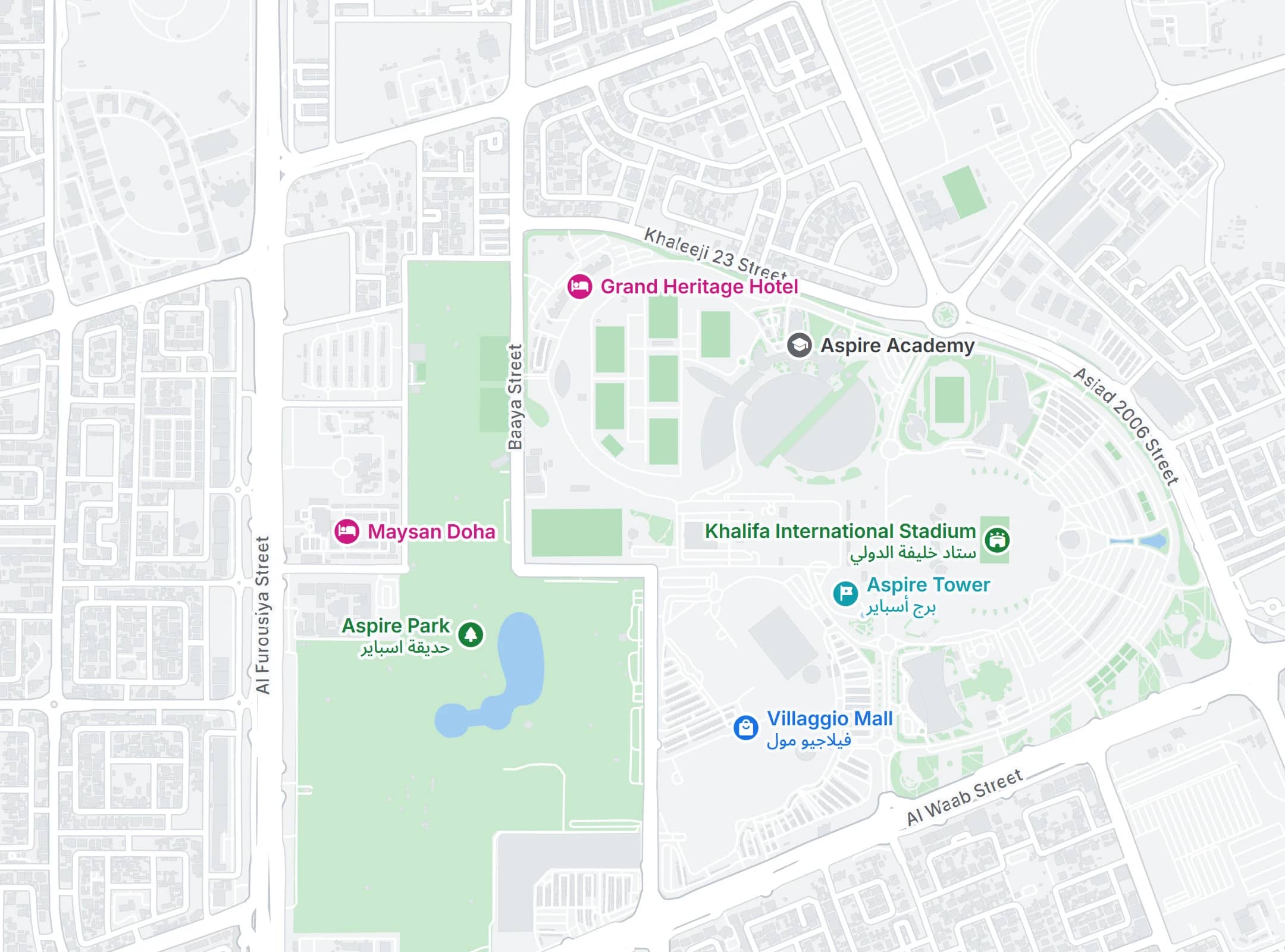
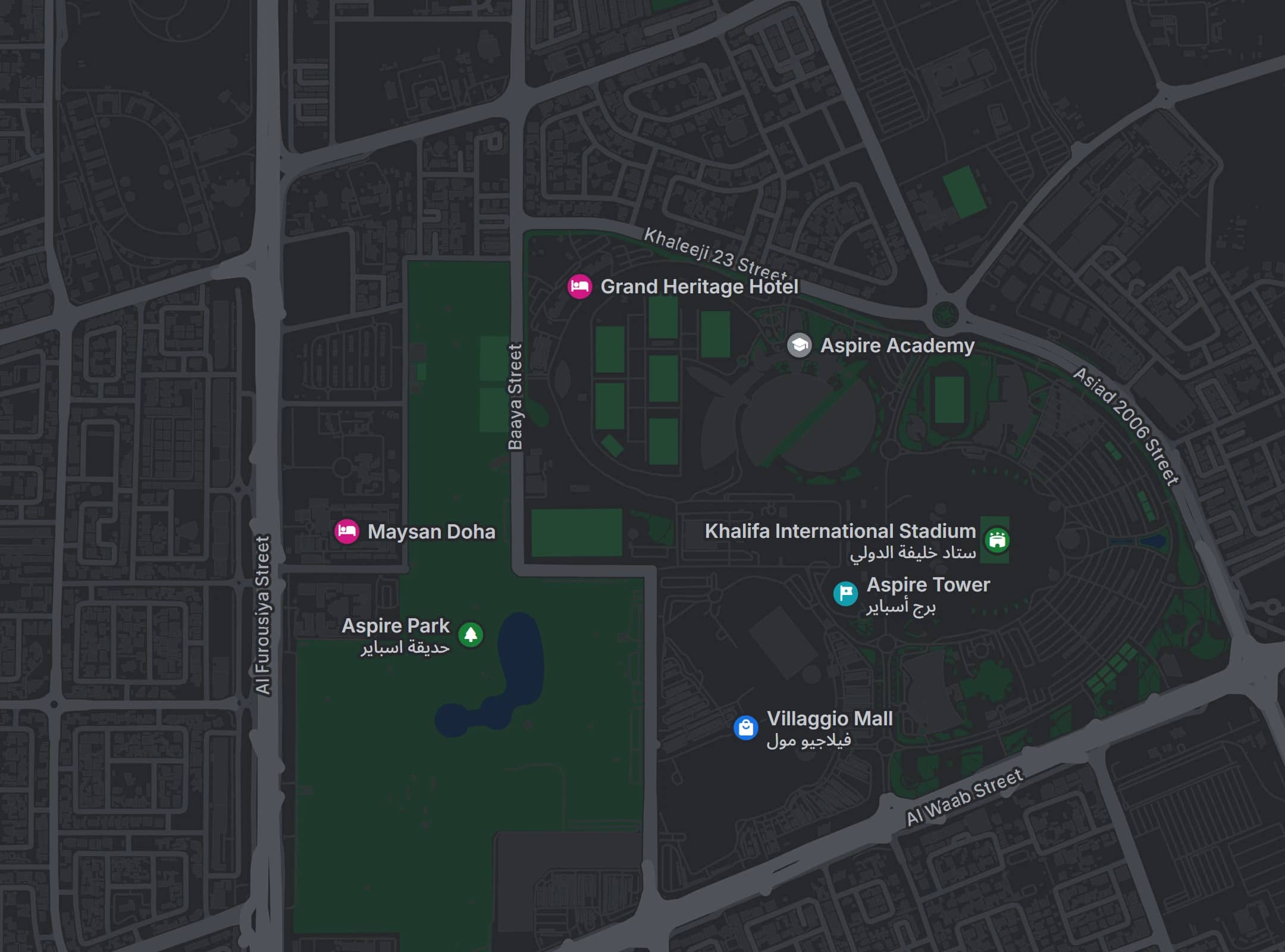
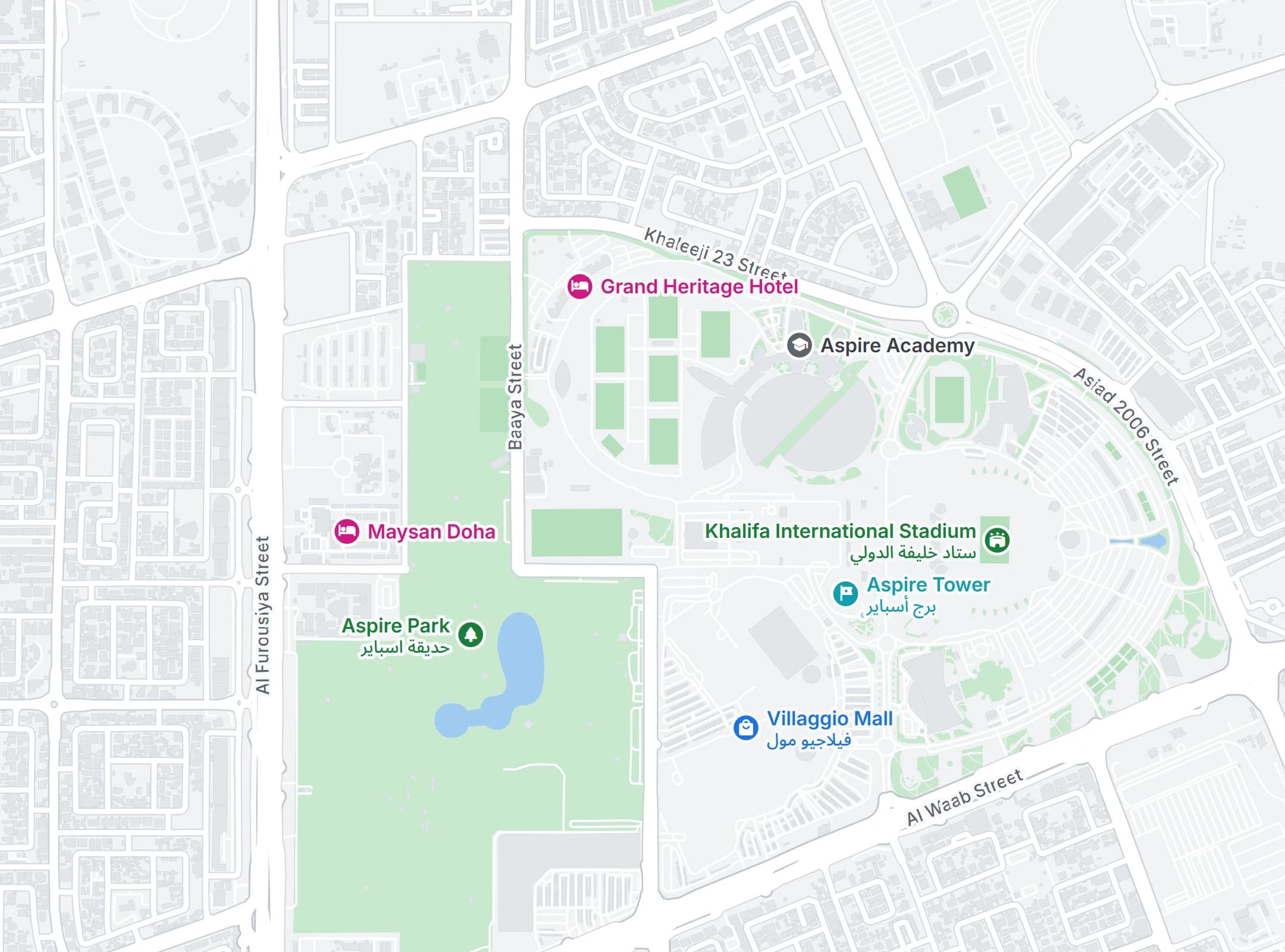
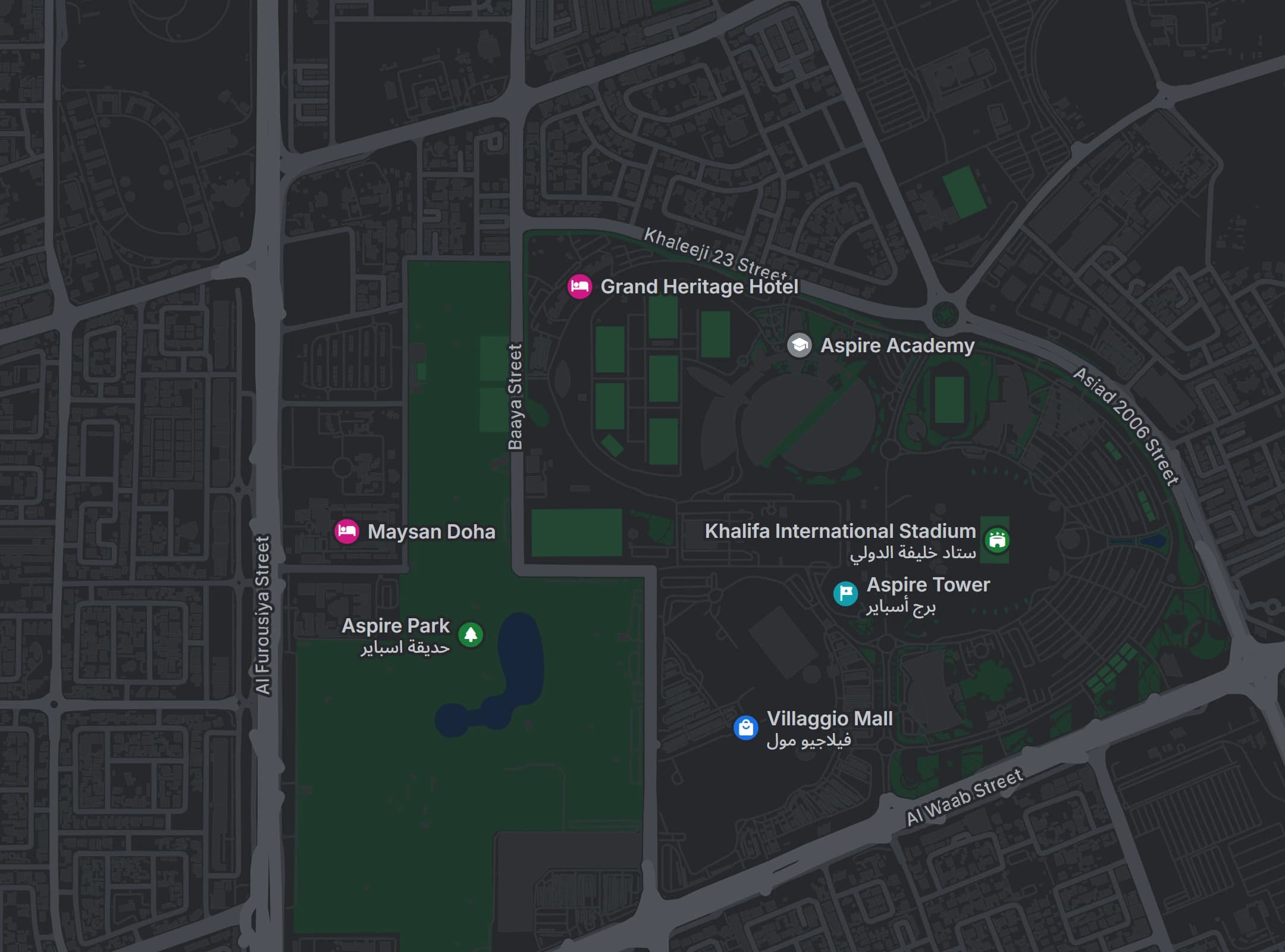
Near Aspire Park, 27 students
- Students
- 27
- Buses
- –
- Stops in order
- –
An example with made-up students, on a real map of Doha.
Two runs every school day, and a parent knows each step
Every bus does a morning run and an afternoon run, every school day. The afternoon follows the morning’s stops in reverse.
Morning run
Homes to school. The driver picks up stop by stop and ends at the school.
6:48 AM
Bus arriving in ~5 minutes
Get Aisha ready - the bus is almost at your stop.
6:52 AM
Aisha has boarded
Aisha is on the bus and on the way to school.
7:25 AM
Aisha arrived at school
The bus reached Doha International Academy at 7:25 AM.
Afternoon run
School to homes. The same stops in reverse, with a drop-off at each one.
1:35 PM
Aisha is on the bus home
Aisha boarded at school at 1:35 PM.
2:00 PM
Aisha is almost home
The bus is about 5 minutes from your stop.
2:05 PM
Aisha was dropped off
Aisha got off at Al Waab, Doha at 2:05 PM.
These are the notifications parents receive. The names, school and times are examples.
An app for every driver and every parent
Free for drivers and parents. Coming soon to the App Store and Google Play.
For drivers
The route in order, and a record of who got on
Drivers see each stop in the planned order, check students in as they board, and can tell every parent at once when the bus is late.
- Stops in the planned order: pickups in the morning, drop-offs in reverse in the afternoon
- One tap to mark a student boarded, absent or dropped off
- Students staying home, as reported by their parents
- A running-late notice to every parent on the bus
- Shares the bus location every 10 seconds
- A summary of who rode when the route ends
For parents
Where the bus is, and when it will arrive
Parents follow their child’s bus, get a notification when their child gets on, and can tell the driver when their child is staying home.
- The bus on a live street map while the route is running
- Estimated arrival time for their stop, and an alert when the bus is close
- A notification when their child boards or is marked absent
- Every child on one account, one tap to switch
- Report an absence ahead of time, so the driver knows
- Each child’s past rides and absences
The phone screens above are drawn from the real apps. The names, addresses and times in them are examples.
Parent or driver? Your school will send you a personal invite link.
Student data stays private
Everyone sees only what they need for their role.
Each school’s data is kept separate
Access rules are enforced in the database itself, so each school only sees its own students, buses and routes.
Parents see only their own child
A parent sees their child’s bus, stop and attendance. They don’t see other students or their addresses.
Drivers see only their own bus
A driver sees the student list for the bus they are assigned to, and nothing else.
Parents are told about absences
When a driver marks a student boarded or absent, the parent gets a notification on their phone.
Read our privacy policy for the details.
One product, priced by fleet size
Every plan includes everything. Tell us how many buses you run and we’ll send you a quote.
Starter
For small schools with a few buses.
Up to 5 buses
Growth
For schools running a full fleet.
6 to 50 buses
Enterprise
For large fleets.
More than 50 buses
Included in every plan
- Route planning for your whole fleet
- New students placed on the nearest bus with space
- Live map of every bus
- Seat capacity for every bus
- Announcements to one bus or all of them
- Web dashboard for school staff
- Driver app with pickup and drop-off lists and attendance
- Parent app with bus tracking and notifications
Common questions
Something else you want to know? Ask us through our contact form.
What is RouteyAI?
RouteyAI is software for running school buses in Qatar. It plans your bus routes, shows every bus on a live map, and keeps parents informed through their own app.
How are the routes planned?
Students are grouped by where they live, each group is given a bus with enough seats, and the stops are put in an order that keeps the drive short, using road travel times from Mapbox. Every bus does a morning run (homes to school) and an afternoon run (school to homes, the same stops in reverse). Once made, a route stays the same so drivers can learn it; it is only recalculated when the school admin chooses to, and only if the new route is clearly shorter.
What happens when a new student joins mid-year?
The student is added to the nearest bus that still has free seats, and their stop slots into that bus’s route straight away. Every other stop keeps its place, so drivers don’t have to relearn anything, and other buses don’t change. If every nearby bus is full, the school admin is alerted to add a bus.
How do drivers use RouteyAI?
Drivers use the RouteyAI app. In the morning it shows the next pickup in route order and lets them mark each student boarded or absent with one tap. In the afternoon students board at school and the driver drops them off stop by stop in reverse order, with the next drop-off first. It shares the bus location every 10 seconds while the route is running. It also shows which students their parents reported absent, sends parents a running-late notice in one tap, and gives a summary when the route ends.
What do parents see?
Parents see their child’s bus on a map, an estimated arrival time for their stop, and school announcements. They get a notification when their child boards or is marked absent, when the bus is getting close, and when their child is dropped off at home. Arrival times are estimates and can change with traffic and phone coverage. Parents with more than one child switch between them in the app, can report an absence ahead of time for the morning, the afternoon or both, and can look back at each child’s past rides.
How is student data protected?
Each school’s data is kept separate by access rules enforced in the database itself. Parents can only see their own child’s bus, and drivers can only see the bus they are assigned to.
How do parents and drivers get access?
The school sends each parent and driver a personal invite link. They open it, create an account, and go straight to the right view for their role.
When are the mobile apps available?
The iOS and Android apps are not in the stores yet. Book a demo and we’ll let your school know when they are.
How much does RouteyAI cost?
The price depends on how many buses you run, and every plan includes the full product. Book a demo and we’ll send you a quote.
See your own routes in a demo
Tell us about your school and how many buses you run. We’ll set up a short demo and walk you through it.
In the demo you’ll see:
- Routes being planned and buses tracked on a real map
- The driver and parent apps
- A quote for your fleet size